Article
How to Repurpose One Blog Post Into a Week of Social
Editorial note: Published by Scheduloid. We aim for clear, practical guidance; where we compare vendors, verify pricing and features on each provider’s official site before you buy.
You spent three hours writing a blog post. You shared the link once on LinkedIn, maybe on X, and then… nothing. A week later you're staring at an empty content calendar wondering what to post.
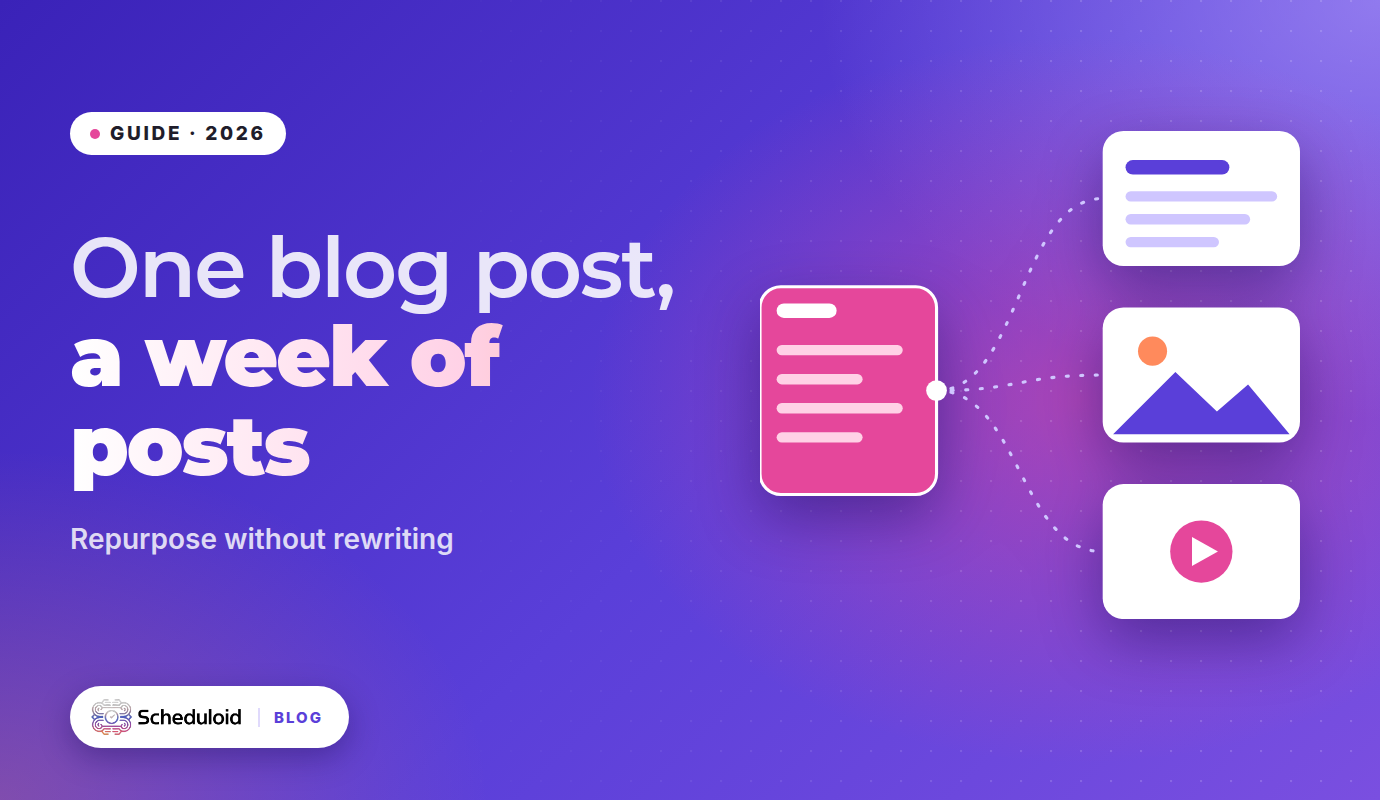
Sound familiar? The fix isn't writing more. It's getting more out of what you've already written. A single good blog post holds enough ideas for a full week of social posts if you know how to pull them apart and rebuild them for each platform.
Here's a practical, repeatable workflow.
Why repurposing beats creating from scratch
- The thinking is already done. Your research, examples and opinions are in the post. You're just reshaping them.
- Repetition builds recognition. Most of your followers won't see any single post. Saying the same core idea in different formats helps it land.
- It keeps your message consistent. Every post points back to one clear idea instead of seven random ones.
- It fights burnout. Repurposing turns "what do I post today?" into "which piece of the article do I use today?"
One important rule: repurposing is not copy-pasting. Dropping the same link and caption on every network rarely works. Each platform has its own length, format and culture. The goal is one idea, made native for each place.
Step 1: Break the post into "atoms"
Read your post and pull out every reusable piece. Look for:
- The core takeaway: the one-sentence summary.
- Three to five key points: usually your H2s.
- A strong opinion: something people might disagree with.
- A how-to sequence: any numbered steps.
- A quotable line: a sentence that works on its own.
- A mistake or myth: "most people think X, actually Y".
- A question: something to ask your audience.
- A stat or fact: only if it's actually in your post and sourced.
Write each atom on its own line. A 1,500-word article usually gives you 8 to 12.
Step 2: Match each atom to the right format
| Atom | Best format | Best platforms |
|---|---|---|
| Core takeaway | Short text post | X, Threads |
| Key points | Carousel or document post | LinkedIn, Instagram |
| Strong opinion | Text post with a hook | LinkedIn, X, Threads |
| How-to steps | Short video or carousel | TikTok, Instagram Reels, YouTube Shorts |
| Quotable line | Quote graphic | Instagram, Facebook |
| Mistake or myth | Talking-head video | TikTok, Reels, Shorts |
| Question | Poll or question post | LinkedIn, Facebook, Threads |
Step 3: Rewrite for each platform
Professional but personal. Open with a line that makes people click "see more". Short paragraphs. End with a question. Put the link in the post or a comment, depending on what works for your audience.
Example: "Most small teams don't have a content problem. They have a distribution problem. Here's what I mean 👇"
X
Tight and punchy. One idea per post, or a short thread for the how-to steps. X posts have a 280-character limit on standard accounts, so lead with the sharpest version of the idea.
Threads
More conversational than X, with room for up to 500 characters. Great for opinions and questions. Write like you're talking to a friend.
Visual first. Turn key points into a carousel (one point per slide) or a Reel. Keep the caption scannable and add a clear call to action, like "Save this for later".
TikTok and YouTube Shorts
Pick the most surprising or useful point and explain it in under a minute. Hook in the first two seconds: "Stop doing this with your blog posts."
Friendly and community-focused. Questions and practical tips tend to start discussions. Groups can be a good fit if they're relevant.
Step 4: Spread it across the week
Here's an example week built from one blog post about content burnout:
| Day | Platform(s) | Post |
|---|---|---|
| Monday | LinkedIn, Facebook | The core takeaway as a story post |
| Tuesday | Instagram, LinkedIn | Carousel: "5 signs your content plan is burning you out" |
| Wednesday | X, Threads | Strong opinion: "Posting daily isn't the goal. Being useful is." |
| Thursday | TikTok, Reels, Shorts | 45-second video on the biggest mistake |
| Friday | Instagram, Facebook | Quote graphic with the most quotable line |
| Saturday | Threads, LinkedIn | Question: "What's the one post type you dread making?" |
| Sunday | All | Short recap + link to the full article |
Seven days, seven channels, one piece of writing.
Step 5: Schedule it once and move on
Batching is the secret. Write all versions in one sitting, schedule them, and you're done for the week. A scheduler with a calendar view across every channel lets you see the whole week at a glance and spot gaps.
How Scheduloid speeds this up
Doing this by hand works, but it takes time. Scheduloid's Repurpose Studio is built for exactly this job: take one idea or piece of content and make it native for LinkedIn, Instagram, X, TikTok, Facebook, YouTube and Threads. It adapts tone, format, aspect ratio and hashtags for each channel in one click.
It works alongside a few other Scheduloid features:
- Content Studio reads your website's product pages and drafts on-brand posts, graphics and short videos in your own words, without inventing claims or statistics.
- Brand Voice keeps your colours, products and tone consistent across every version.
- Approvals let a teammate sign off before anything goes live.
- Smart queues schedule posts at good times based on your own engagement history.
- Analytics show which version performed best on which channel, so next week's repurposing is smarter.
Repurpose Studio and Content Studio are part of the Growth plan, which includes 100 AI credits a month.
Don't have a blog post to start from? Paste your website into scheduloid.com and press Plan my week. You'll get a free weekly plan with no signup, built from what's already on your site.
Common repurposing mistakes
Posting the same caption everywhere
Platforms reward native content. A LinkedIn-style essay on TikTok, or a hashtag-heavy Instagram caption on LinkedIn, sticks out for the wrong reasons.
Only sharing the link
"New blog post! [link]" gives people no reason to click. Share the value first, then the link.
Repurposing weak content
If the original post didn't say anything useful, seven versions of it won't either. Repurpose your best work.
Forgetting to update old posts
Evergreen articles can be repurposed again months later. Update any outdated details first.
FAQ
How many social posts can I get from one blog post?
A typical 1,500-word article contains 8 to 12 reusable ideas, which is easily enough for a full week of posts across several platforms.
What's the difference between repurposing and cross-posting?
Cross-posting shares the same content everywhere. Repurposing reshapes one idea into native formats for each platform, such as a carousel for Instagram, a thread for X and a short video for TikTok.
Can AI repurpose content for social media?
Yes. Scheduloid's Repurpose Studio turns one idea into platform-ready versions for seven channels, adapting tone, format, aspect ratio and hashtags.
Which platforms should I repurpose content for?
Start with the two or three where your audience is most active. Scheduloid supports Facebook, Instagram, X, LinkedIn, TikTok, YouTube and Threads.
How do I get a weekly content plan without writing it myself?
Enter your website on scheduloid.com and press "Plan my week" for a free weekly plan with no signup.
Explore Scheduloid